Monitor enrolled devices
The Devices view displays information about the devices enrolled in SMART Remote Management to which you have access. The Devices view is the main view in SMART Remote Management for monitoring and managing devices.
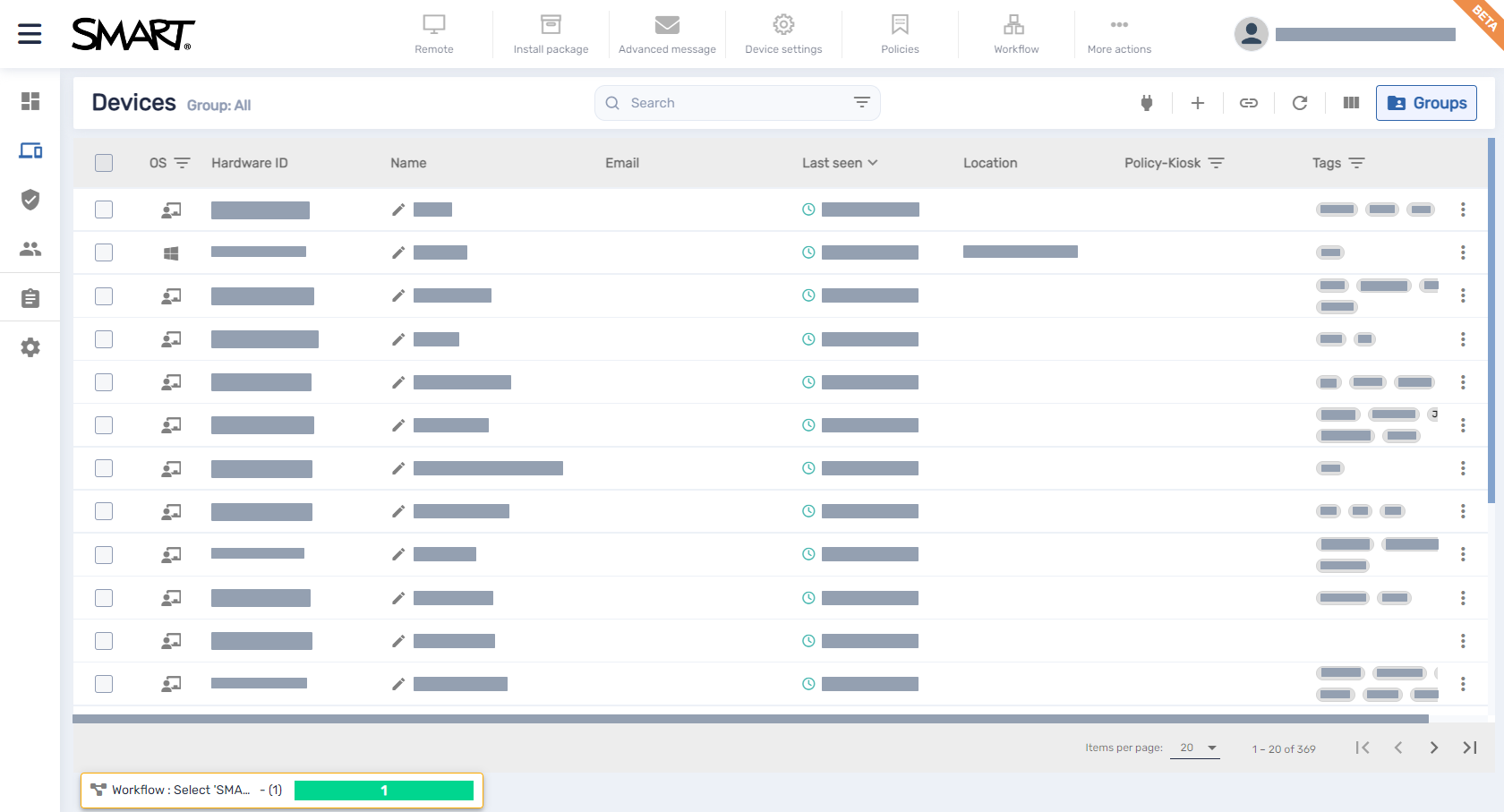
To open the Devices view from anywhere in SMART Remote Management, click Devices in the menu.
Note
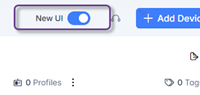
As of winter 2025, this view has been updated with a new user interface (UI). For those still wanting to use the previous UI, you can turn off the toggle in the top-right corner.
Important
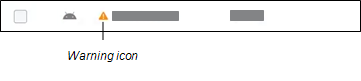
If a warning icon appears next to a device’s ID, you need to reset the device’s authentication token. Click the icon to learn more and reset the device’s authentication token.
 Finding devices
To find a specific device or devices quickly, filter the devices in the Devices view in one of the following ways:
Use the Search bar at the top of the Devices view.
Use a column’s filter.
Notes
Column filtering is not available for all columns.
For the OS column, selecting Android displays all SMART Board interactive display and Android devices, not just Android devices.
Renaming devices and changing their labelsThere are three columns that seem similar for identifying a device, however they each have a different purpose.

No. | Description |
|---|---|
1 | Device Name is the name for the device that appears on the device itself. It can be added during enrollment, but if left blank, this column will be empty for the device. A name can be added or changed for the device after enrollment using SMART Remote Management:
|
2 | Device ID is the device’s serial number that is automatically populated when the device is enrolled. |
3 | Label refers to the name that an admin gave to the device in SMART Remote Management. This name (label) does not appear on the device and can be used to further organize devices in SMART Remote Management. You can edit the label by hovering over it and clicking Label |
 .Identifying which devices are online
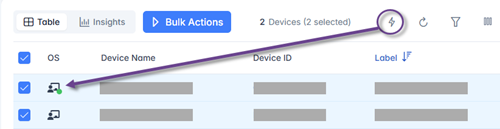
Check which devices are online by selecting their check boxes and clicking Who is online? . The OS icon for online devices will show a green dot if the device is online.
Note
If you have the New UI toggle turned off, you can quickly identify which devices are online by clicking Who is online? in the Devices view. The OS icon for online devices turns blue (
 ).
).
Viewing device detailsWhen you click a device’s row in the Devices view, a device dashboard similar to this appears:
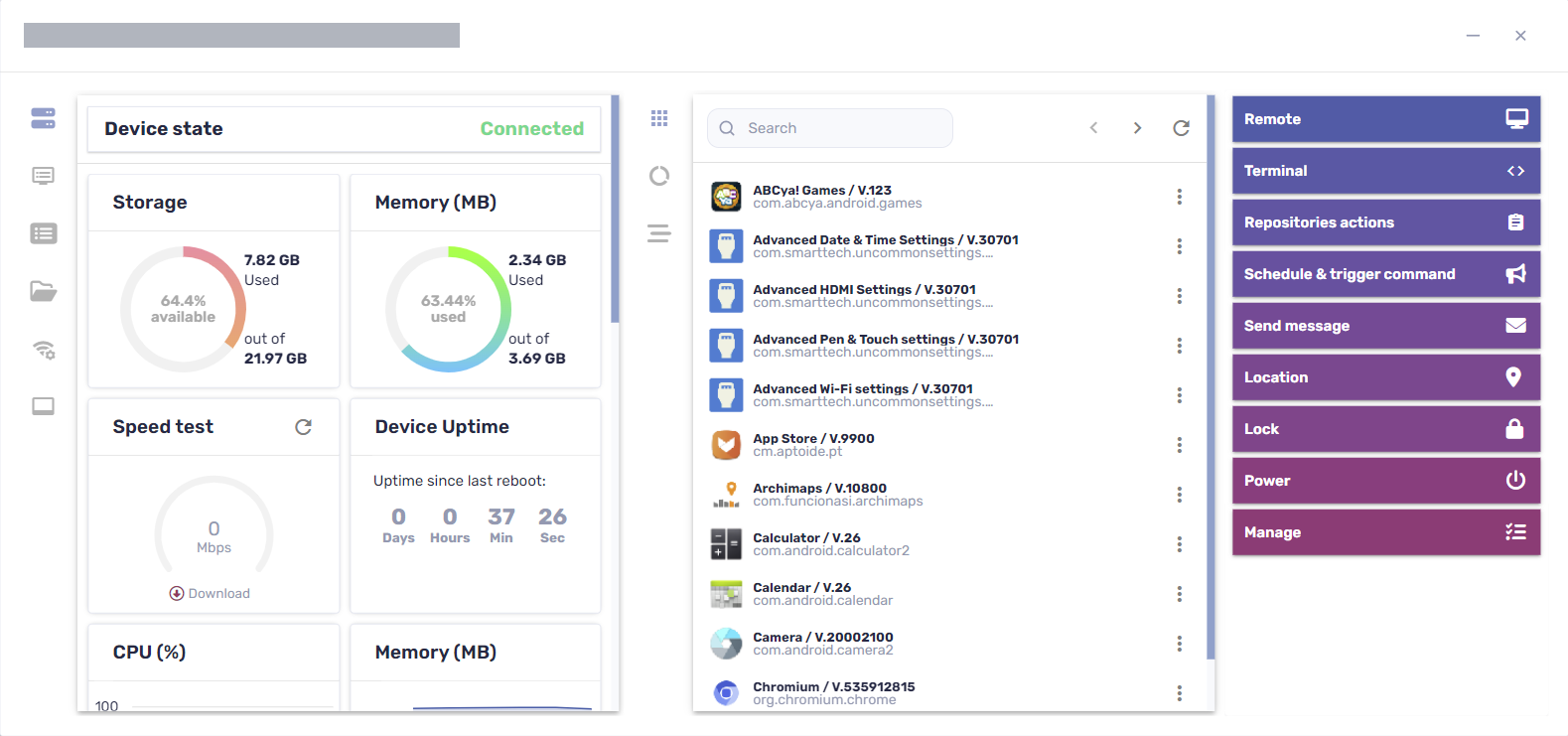
From this dashboard, you can view general information about the device, a list of apps installed on the device, and device usage. The device dashboard also offers management tools, such as starting a remote session, applying settings and policies, and more.
The general details section on the dashboard’s left side shows the device’s current state—Connected, Connected (non interactive), or Disconnected—and device information, such as memory, storage, resolution, battery life, and more.
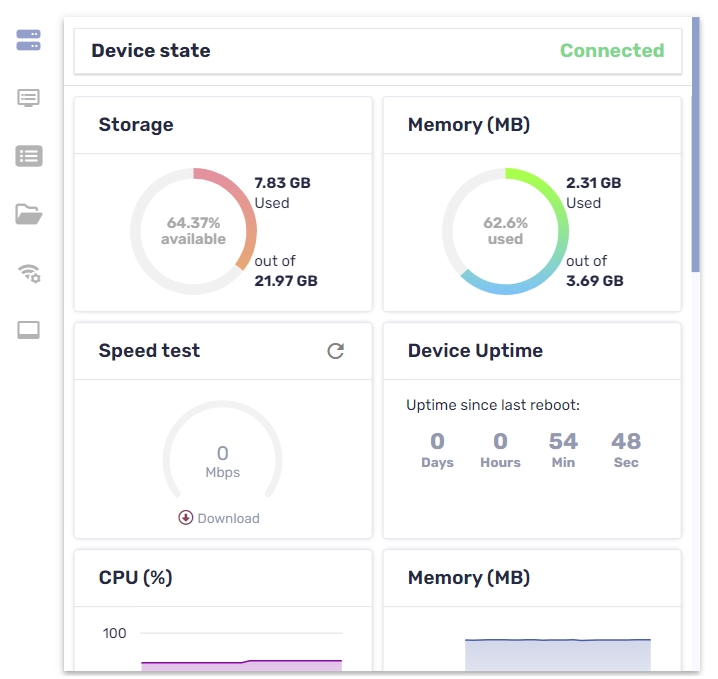
Note
Devices with a state of Connected (non-interactive) are connected and functioning properly but are not being actively used. This typically occurs when the lock screen or screen saver are appearing on the device’s display.
Tip
The device state refreshes automatically every 3 seconds. You can refresh it manually by clicking Refresh .
.
Click the other tabs to see additional information for the device:
Icon | Tab | Description | iQ 4 devices | iQ 3 devices | GX (V3) and earlier |
|---|---|---|---|---|---|
| Info | More details about the device, such as Wi-Fi, IP address, Bluetooth availability, model number, operating system version, MAC address, permissions, CPU, serial number, and time zone |
|
|
|
| Properties | Properties for the device |
|
|
|
| File system | Contents of the device’s file system |
|
|
|
| Storage stats | Storage statistics for the device |
|
|
|
| Network | Network information, such as Wi-Fi state, Wi-Fi SSID, Wi-Fi allowed protocols, IP address, subnet mask, network related events (traceroute), and more |
|
|
|
| Smartboard | Basic information about the SMART Board interactive display with iQ, such as information about the touch controller and scaler firmware version, display build number, and display name Note If a user changes the name of a SMART Board interactive display with iQ from the display’s settings, it can take up to 24 hours before the new name appears in SMART Remote Management. |
|
|
|
| Bios | Information about the device’s BIOS |
|
|
|
| Processor | Information about the device’s CPU |
|
|
|
| Manufacture model | Information about the device’s model |
|
|
|
| Hot fixes | Information about Windows hot fixes applied to the device |
|
|
|
| OS | Information about the device’s operating system |
|
|
|
| Disks | Information about the device’s hard drive |
|
|
|
| Logged on users | Information about users currently logged on to the device |
|
|
|
| Browsing | The device’s browsing history |
|
|
|


Tip
In the Properties, File system, Storage stats, and Browsing tabs, you can do the following:
Search for specific information using the Search box.
Export information to a CSV file by clicking Export to CSV
 .
.Display the information in the tab in an expanded view by clicking Expand
 .
.
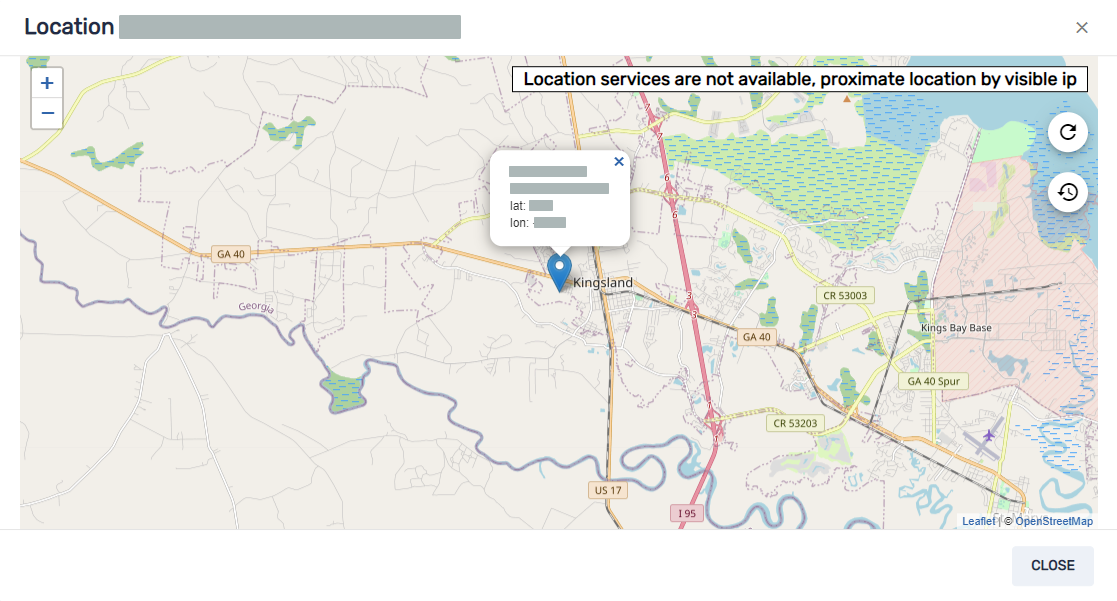
Locating devicesYou can see a device’s current location from the Devices view. This is particularly useful for finding mobile devices.
Notes
Before SMART Remote Management can locate a device, you must set up the network.
If location services are not available, SMART Remote Management shows an approximate location for the device based on its IP address.
To locate a device
Click the device’s row.
The device’s dashboard window appears.
Click Location to open the Location window.
Exporting device details to CSV filesFrom the Devices view, you can create a CSV file that contains information from all available device columns in SMART Remote Management or from only those columns shown in the Devices view.
To export a CSV file
Select the check boxes of the devices you want to include in the CSV file.
Click More actions
 and select Export to CSV.
Select All columns to export all device columns to the CSV file.
OR
Select Columns shown in devices table to export only those columns shown in the Devices view.
Click Confirm.
Your browser downloads a CSV file from SMART Remote Management.
Open the CSV file in a spreadsheet application.