Libraries
You can quickly browse to lessons in your own library, a shared library, or in a public library of resources:
My Library
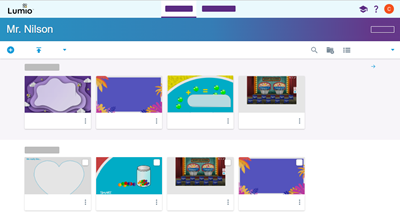
Open the My Library tab to view all your existing files, your class ID, and options for managing the class and your account. From here you can create, import, edit, share, and start delivering lessons.
Shared Libraries
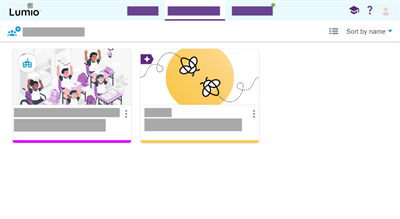
Open the Shared libraries tab to view the shared libraries you own or are a part of.
In each shared library, here you can create, import, edit, and share lessons with other teachers.
Lumio Library
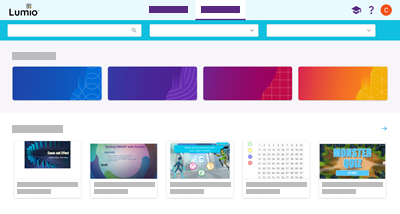
Open the Lumio Library tab to view public resources, such as activities, themed lesson templates, and more. The Lumio Library contains featured lessons, collections, and categories such as Social Emotional Learning, STEAM, reading and writing, and other subjects.