Files library
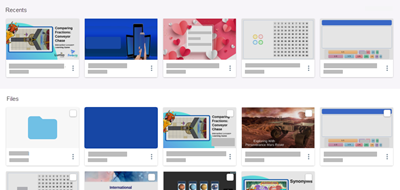
The My Library tab is where you’ll find a list of all the lessons you've created or imported. At the top, you’ll find your most recent files, followed by the complete list of files and the folders you've created to help organize your library.
Note
Find, review, and manage all sessions in the Class Sessions tab.
If you’re using a computer, hover the pointer over a lesson to reveal the options for interacting with it. If you’re using a touch-enabled device, tap More to see these options.
Select Start new to open the lesson in Delivery mode, Assign new to assign a copy of a session and generate a student access link, or Edit file to open it in Editing mode.
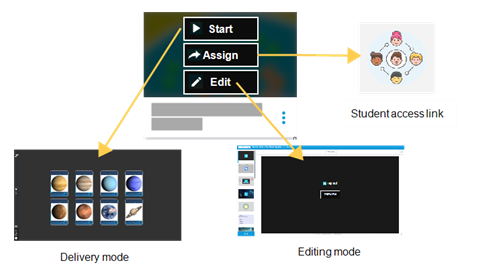
Selecting More also reveals other options, such as creating a file link, deleting, or making a copy of the lesson.