Bringen Sie Ihren Unterricht zum Leuchten
Mit der dynamischen, webbasierten Lernplattform für gemeinsames Lernen beziehen Sie jeden Schüler und jede Schülerin ganz einfach in den Unterricht ein. Egal, mit welchen Endgeräten Ihre Klasse arbeitet.

 Zugriff auf alle Standardfunktionen, einschließlich AI Assist
 Keine Kreditkarte erforderlich
 100 MB Speicher für Unterrichtseinheiten
Mehr Möglichkeiten zum …


ALL das, ohne zwischen verschiedenen Browsertabs und Tools hin- und herzuschalten.

Ermöglichen Sie Ihren Schülerinnen und Schülern ein interaktives Unterrichtserlebnis, vollgepackt mit Aktivitäten, Spielen, Gruppen-Arbeitsbereichen, Lernstandserhebungen und mehr. An einem zentralen Ort.

Gewinnen Sie Zeit mit Lumios KI-Assistent: Erstellen Sie hochwertige interaktive Unterrichtsmaterialien mit nur einer einzigen Eingabe – jetzt auch vollständige Unterrichtseinheiten!

Unterrichtseinheiten für verschiedene Klassen und Gruppen einteilen, überprüfen und bereitstellen - entweder live oder asynchron.

Bearbeiten Sie vorhandene Folien und Handouts und verwandeln Sie sie in praktische Lerninhalte.

Erfassen und speichern Sie die Lernfortschritte und geben Sie Ihren Schülerinnen und Schülern individuelles Feedback.

Ich finde es großartig, dass ich meine eigenen Materialien importieren und sie dann auf typische Lumio-Manier aufpeppen kann, um den Unterricht abwechslungsreich und unterhaltsam für alle zu gestalten. Gleichzeitig habe ich ein Tool, mit dem ich wertvolles Feedback geben kann.
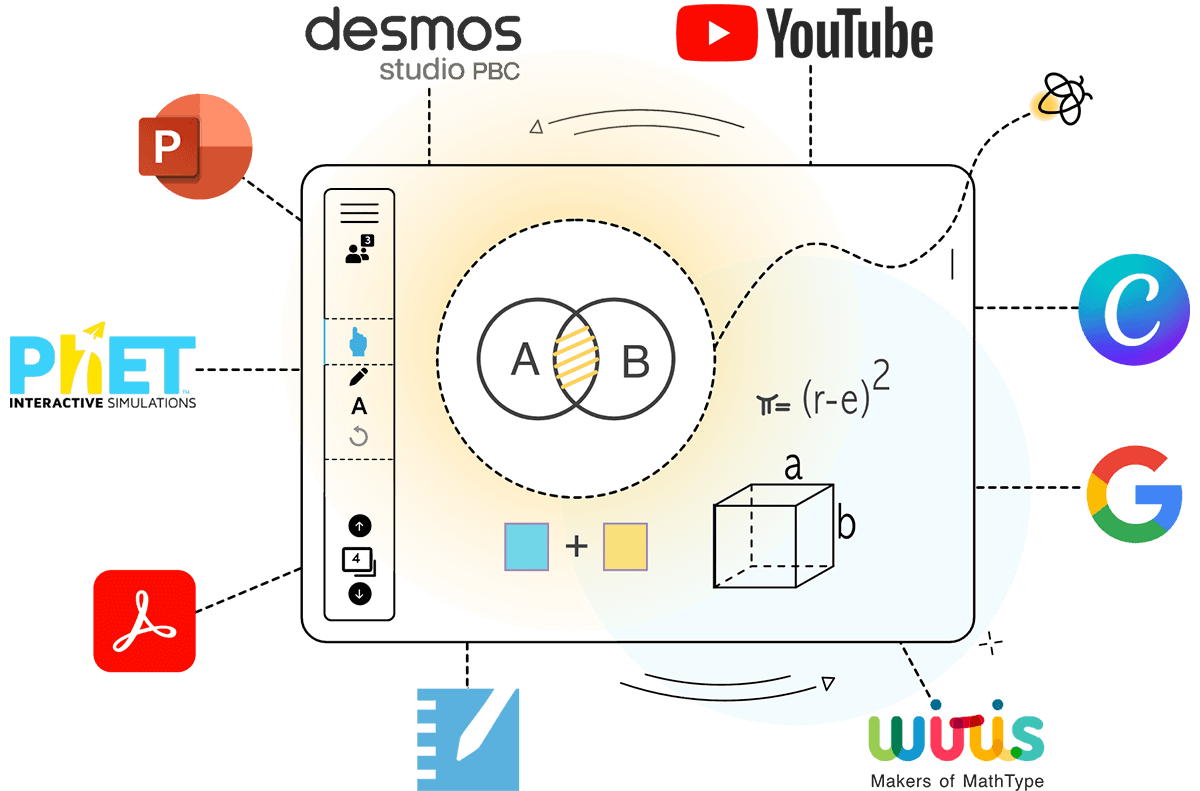
Von Canva bis Slides, von Desmos bis YouTube: Lumio funktioniert mit den Tech-Tools, die Sie schon nutzen.
Explore tool integrationsEntwickelt, um die Lernergebnisse von Schülerinnen und Schülern zu verbessern. Und das macht nicht nur Spaß, sondern funktioniert auch!
Entdecken Sie die evidenzbasierte Bildungswissenschaft und empirische Forschung hinter Lumio.


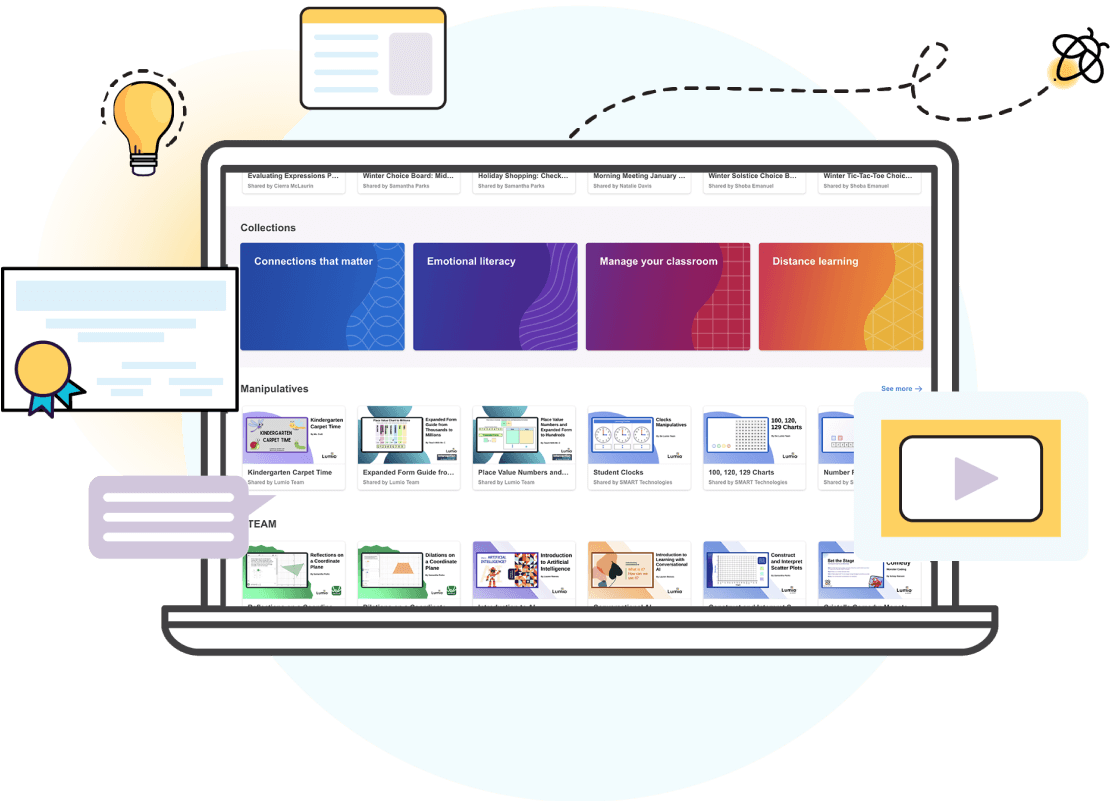
Einsatzbereite Ressourcen
Weniger Zeit für die Planung. Mehr Zeit für den Unterricht.
- Tausende KOSTENLOSE und einsatzbereite Ressourcen und Unterrichtsinhalte von Lehrkräften für Lehrkräfte.
- Anpassbare Spiele, Vorlagen, digitale Vorlagen und Quizze von der Grundschule bis zu Oberstufe.
- Eine stetig wachsende Ressourcenbibliothek, die gemeinsam mit Marken geschaffen wurde, die Sie kennen und lieben.
- AI Assist macht das Erstellen quizbasierter Aufgaben und Handouts für ALLE Lehrkräfte zum Kinderspiel

Mehr als 1,3 Millionen Lehrkräfte weltweit lieben und vertrauen Lumio.

Warum Schulen und Schulbezirke Lumio lieben
- Lumio macht alle Schülerendgeräte, einschließlich Chromebooks und Tablets, noch interaktiver
- Lumio lässt sich in bestehende Plattformen integrieren
- Lumio lässt sich schnell und einfach bereitstellen
- Herausragender Datenschutz und erstklassige Sicherheit: DSGVO-, COPPA- und FERPA-konform
- All das zu einem deutlich günstigeren Preis als vergleichbare Optionen
Mit Lumio erreichen wir unser Ziel, nämlich unsere Schülerinnen und Schüler in den Mittelpunkt der Schulbildung zu stellen. Denn so soll es sein.
Preise
Ob Einzellizenz oder Lizenz für einen ganzen Schulbezirk: Wir haben einen Plan, der zu Ihren Bedürfnissen passt. Und das alles zu einem deutlich niedrigeren Preis als vergleichbare Optionen.


Füllen Sie das gemeinsame Lernen mit Leben – und erleben Sie, wie viel Spaß es macht!
Lehrkräfte: Holen Sie sich Lumio KOSTENLOS!

Sparen Sie Kosten und vereinfachen Sie Ihr Tech-Konzept. Mit einer Plattform, auf der Lehrkräfte alles erledigen können.
Administratoren: Holen Sie Lumio in Ihre Schule oder Ihren Schulbezirk!
Häufig gestellte Fragen
-
Benötige ich ein SMART Board®, um Lumio nutzen zu können?Nein! Lumio kann unabhängig von einem SMART Board auf jedem Browser und jedem Gerät verwendet werden.
-
Ist Lumio kostenlos?
Ja! Mit dem kostenlosen Abonnement können Lehrende Unterrichtseinheiten erstellen, Quiz-basierte Aktivitäten durchführen und 100 MB Speicherplatz nutzen.
Für ein erweitertes Lumio-Erlebnis können Nutzer den Standard- oder Spark-Tarif abonnieren und erhalten damit unbegrenzten Speicherplatz, vollen Zugriff auf KI-Funktionen und vieles mehr!
-
Muss für Lumio Software heruntergeladen werden?
Nein! Lumio kann ohne Software-Download im Browser verwendet werden.
Benutzer, die eine integrierte Erfahrung suchen, können optional die kostenlose Browser-App herunterladen oder die Lumio-App auf ausgewählten interaktiven SMART Board-Displays verwenden.
-
Wie nehmen Lernende am Unterricht mit Lumio teil?
Es gibt mehrere Möglichkeiten für Lernende, an einer Lumio-Unterrichtseinheit teilzunehmen:
- Gehen Sie zur Lumio-Anmeldeseite und geben Sie den individuellen Klassenraumcode für Lehrkräfte ein.
- Scannen Sie den QR-Code der Unterrichtseinheit, der auf dem Bildschirm vor Unterrichtsbeginn angezeigt wird.
- Teilen Sie den einzigartigen Beitrittslink für die Unterrichtseinheit mit der Klasse.
-
Kann ich meine vorhandenen Dateien in Lumio importieren?Ja! Sie können PDF-, Google Slides-, PPT- und SMART Notebook-Dateien in Lumio-Unterrichtseinheiten importieren und bearbeiten. Beim Bearbeiten einer Unterrichtseinheit können Sie PNG- und JPG-Bilder einfügen.
-
Kann ich nach Abschluss des Unterrichts noch einmal auf die Arbeiten der Lernenden zurückkommen?Ja! Mit der Funktion „Klassensitzungen“ von Lumio können Lehrkräfte die Arbeiten der Lernenden während und nach einer Lumio-Unterrichtsstunde überprüfen.
-
Ist Lumio nur für Live-Übertragungen geeignet oder kann man damit auch unabhängig arbeiten?Beides! Lumio wurde entwickelt, um Lehrenden die Durchführung von spannenden Live-Unterrichtsstunden zu ermöglichen, und kann auch als Plattform für die Zuweisung individueller Aufgaben an Lernende genutzt werden.
-
Für welche Klassenstufen ist Lumio geeignet?Lumio eignet sich für alle Bildungsstufen, von der Grundschule bis zur Hochschule und sogar für die berufliche Weiterbildung.