Accessing the desktop and closing SMART TeamWorks Room
SMART TeamWorks Room software is designed to act as a hub for your meeting rooms. TeamWorks Room is platform from which you can start a meeting, use the collaborative workspace, and launch commonly used applications (such as browsers, Microsoft Word, and any other application your organization commonly uses). However, you may need to access applications that aren’t found in the launcher. If TeamWorks Room was configured to hide the desktop’s taskbar and Start menu, you can still access them using options in TeamWorks Room.
 How to access the Start menu and other Windows programs
TeamWorks Room is meant to be run as master application and hides the desktop and task bar by default. If you’re using a keyboard, you can access the Windows Start menu by pressing on the keyboard or tapping
 on the home screen. However, if Kiosk mode is enabled, access to the Windows Start menu, keyboard shortcuts, and other Windows functions that grant access to the computer is completely disabled.
Closing TeamWorks RoomNote
TeamWorks Room is mean to be open at all times on the computer. If you do need to close TeamWorks Room, use the following procedure.
Press and hold the TeamWorks Room logo for 10 seconds.
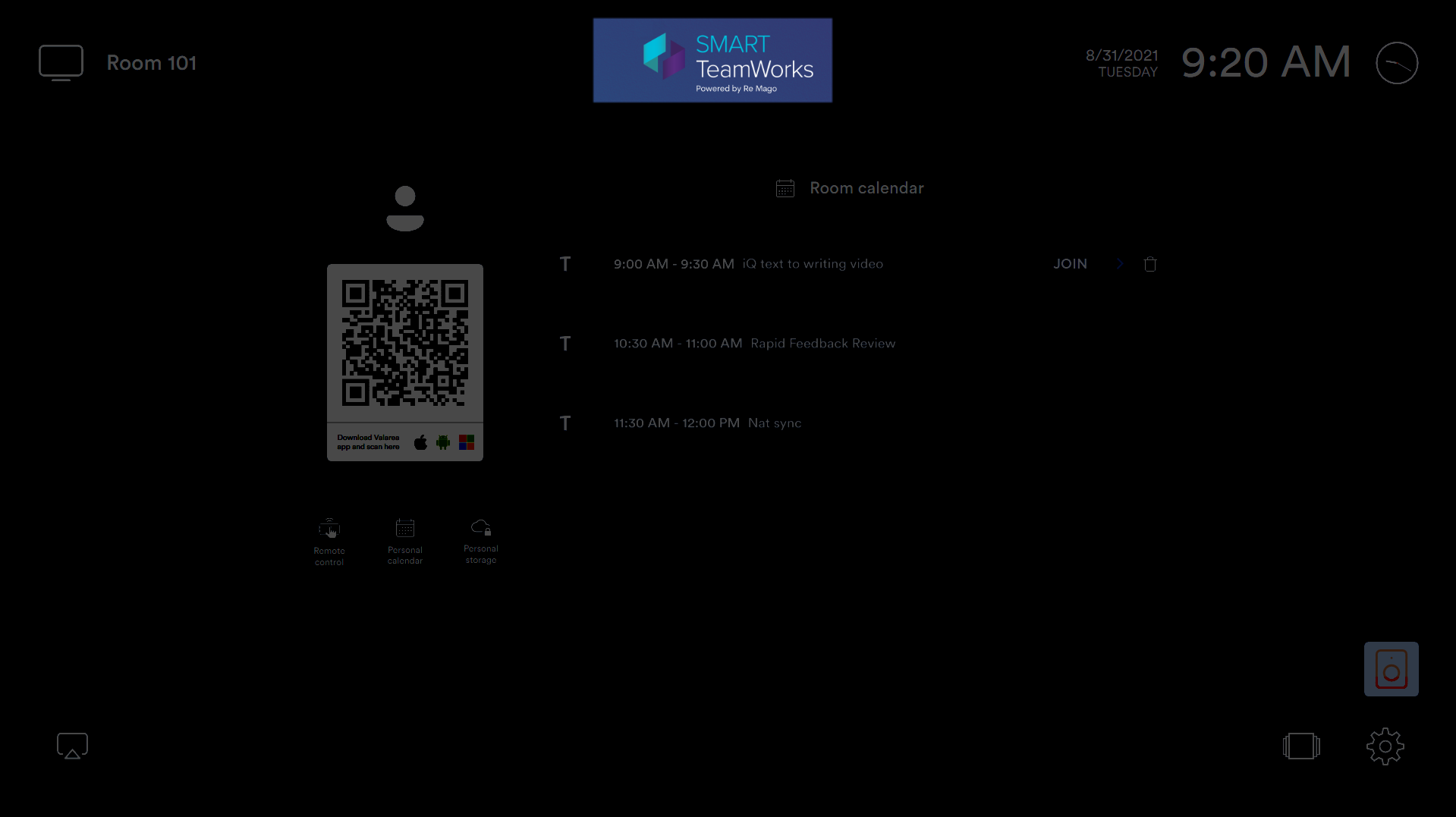
A dialog box appears asking if you want to close the application.
Tap Yes.
Keywords |
|