About the drop-down toolbar
The drop-down toolbar appears when you start an instant meeting or join a meeting. The drop-down toolbar is slightly different when you’re in a workspace or in the launcher.
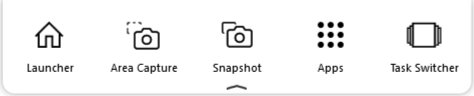
In a meeting

In the launcher
Icon | Description |
|---|---|
 | While in the workspace, click Launcher to open the launcher. |
 | While in the launcher, tap workspace to open a workspace page. |
 | Take a screen shot of an area you select. The screen shot appears in the workspace. See Taking screen captures. |
 | Take a screen shot of the entire workspace page. The screen shot appears in the workspace. See Taking screen captures. |
 | Click Apps to select and switch to an app. |
 | Click Task Switcher to show the Windows Task Switcher and select another app. |
 Hiding the drop-down toolbar
Tap
 to hide the drop-down toolbar.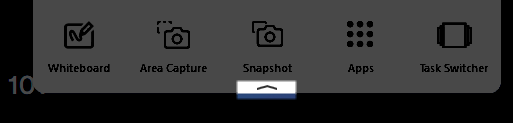
Show the hidden drop-down toolbarTap
 to show the drop-down toolbar.
Keywords |
|