 A newer version of this software is available. Learn more
Moving, resizing, rotating, and locking objects in SMART TeamWorks
You can use a variety of gestures to interact with images, text, or files.
Tip
More than one person can interact with the SMART Board interactive display at the same time.
Action | Gesture |
|---|---|
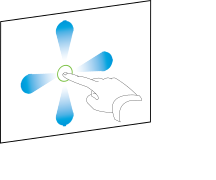
Expand the object to full screen. Tip This feature is useful when you want to present a specific file or focus on that file. | Double-tap an object.
|
Move the object to on the page. | Tap and hold on the object, then drag the object on the page.
|
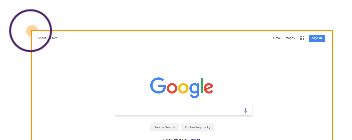
Rotate the object. | Tap the object frame’s yellow circle and drag it up or down.
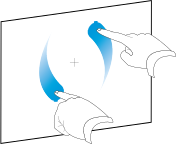
OR Use two fingers to tap and hold the object, then rotate them.
|
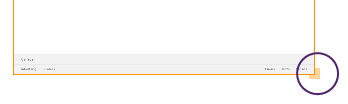
Resize the object. | Tap the object frame’s yellow square and drag it up or down to rotate the object.
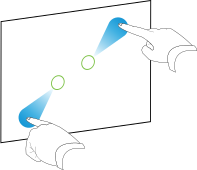
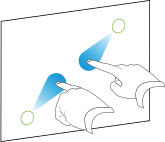
OR Use two fingers to tap and hold the object, then move your fingers apart or closer together.
|
Keywords |
|