 A newer version of this software is available. Learn more
Getting started
The basics
Use the links below to help get you started using SMART TeamWorks.
The interface
Click an area of the image below to learn more about it.
The home screen
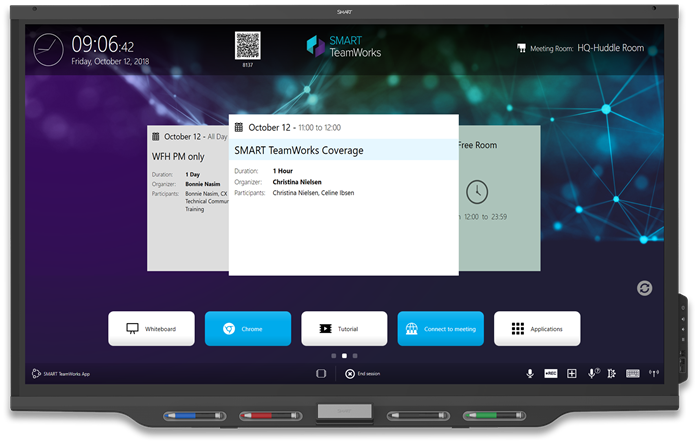
Note
The above image shows the home screen with calendar integration. When calendar integration is not set up for SMART TeamWorks, this screen only shows the home screen’s default apps.
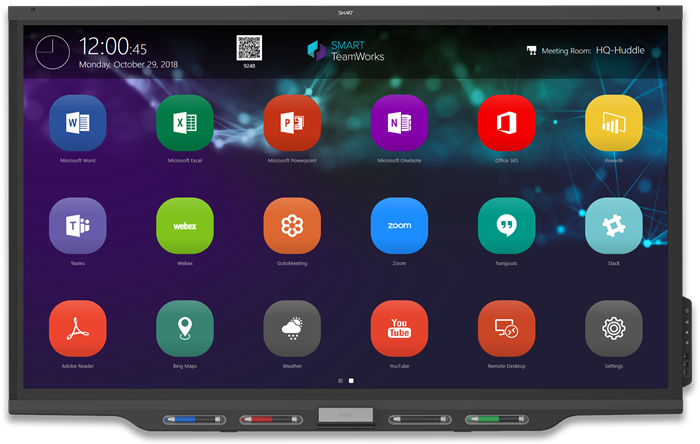
The app launcher
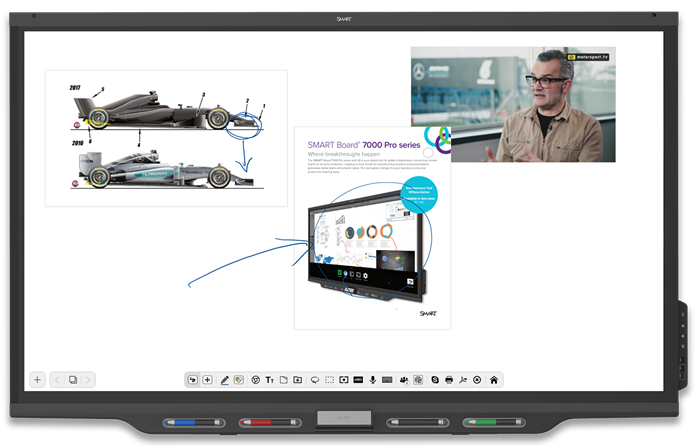
The whiteboard
Keywords |
|