 A newer version of this software is available. Learn more
SMART TeamWorks
Overview

SMART TeamWorks software is designed to leverage the power of SMART Board® interactive displays for fast, flexible and limitless collaboration. With one-touch meeting launch, a connected whiteboard, wireless screen sharing and customized PDF summaries, SMART TeamWorks is your end-to-end visual collaboration solution.
You can download SMART TeamWorks from smarttech.com/products/business-software/smart-teamworks/download.
What’s supported / Supported credential transfer
Microsoft Teams
Google Drive/Microsoft OneDrive
Deeper intergration
web conference systems
Teams, WebEx, Zoom
Recommended settings for these software
Contributor apps
iOS, Android, Windows 10
Recommended computer requirements 1
General | |
Supported operating systems | Windows 10 64-bit (with version 1803 to 20H2) |
Hard disk space | 1 GB |
Processor | Intel Compute Card i5 |
RAM | 8 GB |
Graphics adapter | Miracast compatible |
DVMT | Set to 1 GB or more on a computer with shared memory with the GPU |
Storage | 64 GB SSD (minimum) 128 GB SSD (recommended) |
Other requirements | |
SMART Product Drivers | SMART Product Drivers 12.18 or higher |
USB support | USB 2.0 (minimum) USB 3.0 (recommended) |
Network and web access | Internet access for downloading and activating SMART software Wireless 5 GHz recommended (with Wi-Fi® 802.11ac standard) Wired Ethernet connection |
Programs | Microsoft .NET Framework 4.5.1 for SMART Ink Microsoft Visual Studio Tools for Office AdobeReader 11.0.1 or later (for SMART Ink plugin) |
Exchange Server | Exchange 2013 or later (on premises or online) |
Other suggested accessories | USB webcam USB microphone |
Minimum computer requirements 2
General | |
Supported operating systems | Windows 10 64-bit (with version 1803 to 20H2) Note Windows version 1809 is recommended for Miracast touchback support. |
Hard disk space | 1 GB |
Processor | Intel Compute Card i5 7th generation |
RAM | 8 GB |
Graphics adapter | Miracast compatible |
DVMT | Set to 1 GB or more on a computer with shared memory with the GPU |
Storage | 64 GB SSD (minimum) 128 GB SSD (recommended) |
Other requirements | |
SMART Product Drivers | SMART Product Drivers 12.18 or higher |
USB support | USB 2.0 (minimum) USB 3.0 (recommended) |
Network and web access | Internet access for downloading and activating SMART software Wireless 5 GHz recommended (with Wi-Fi® 802.11ac standard) Wired Ethernet connection |
Programs | Microsoft .NET Framework 4.5.1 for SMART Ink Microsoft Visual Studio Tools for Office Adobe Reader 11.0.1 or later (for SMART Ink plugin) |
Exchange Server | Exchange 2013 or later (on premises or online) |
Other suggested accessories | USB webcam USB microphone |
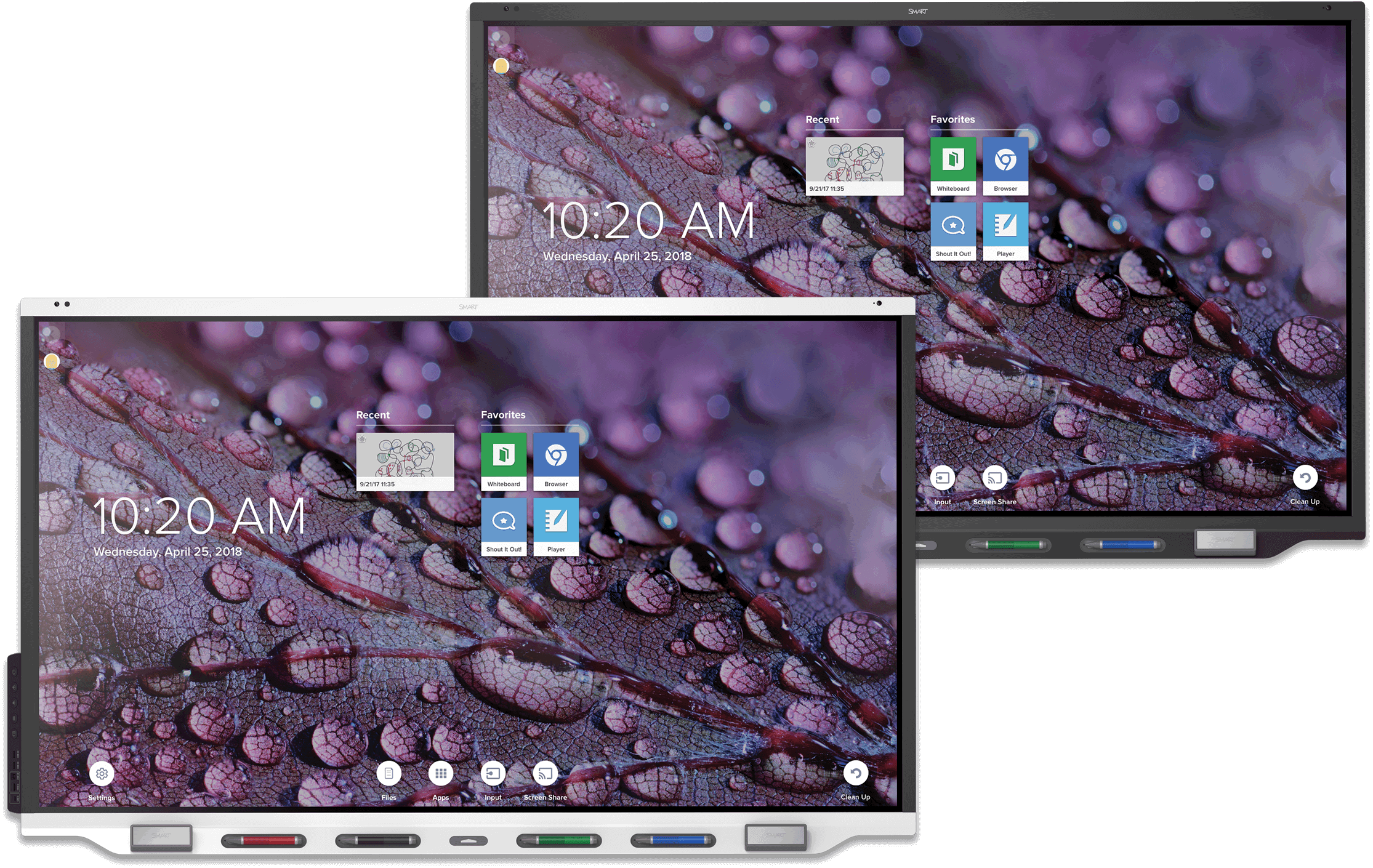
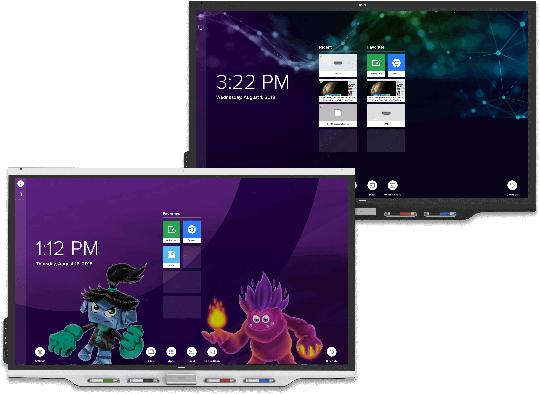
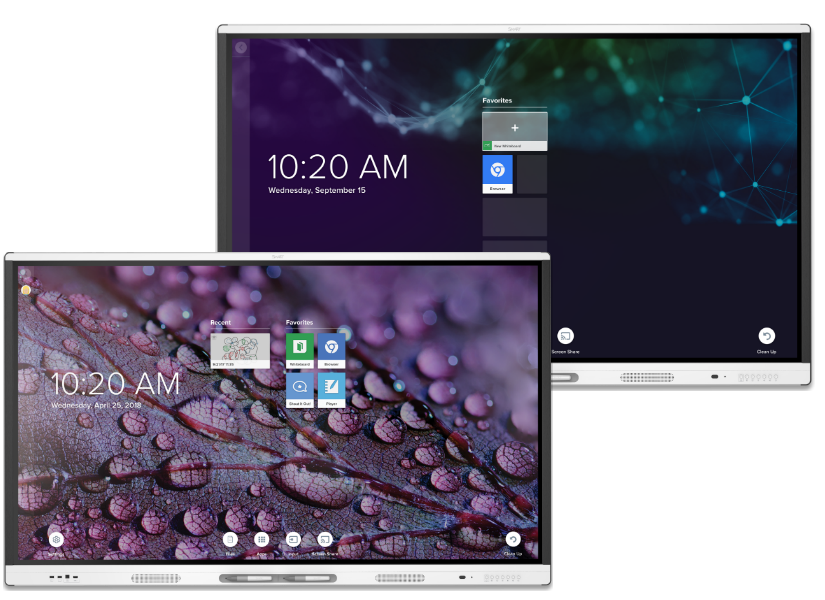
Supported SMART Hardware
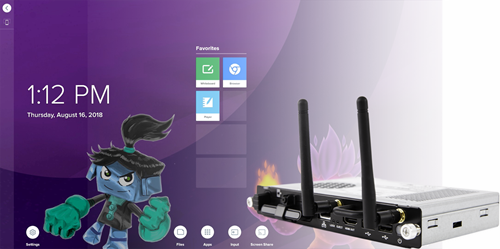
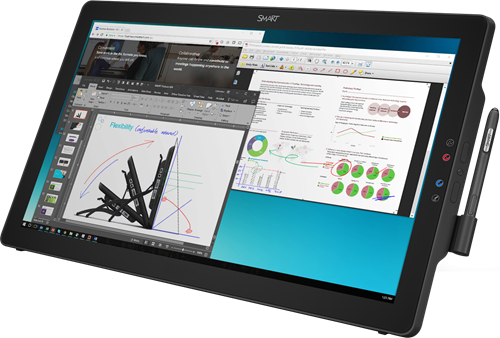
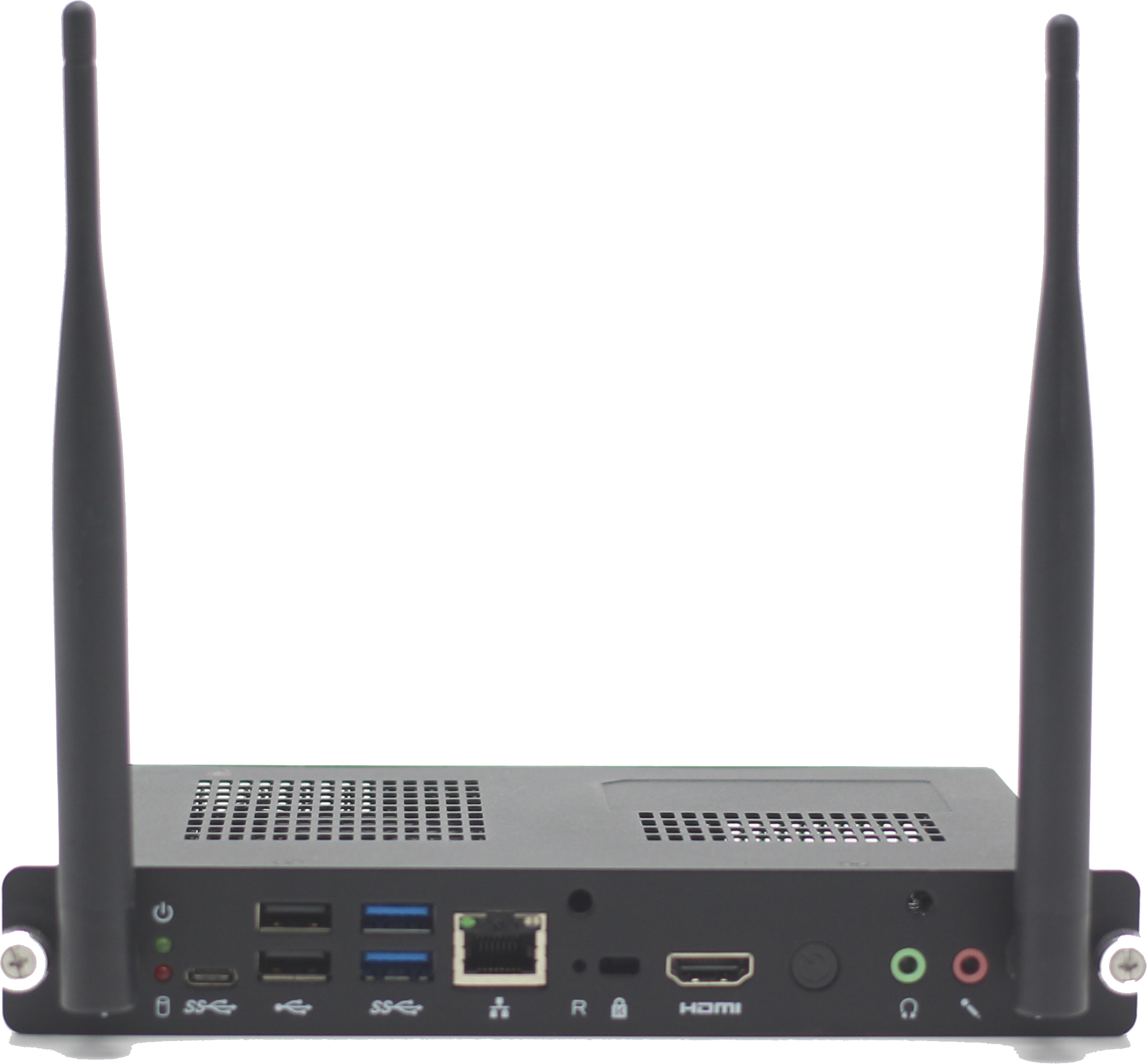
SMART TeamWorks supports the following SMART hardware products:
|
|

Other hardware supported
Touch-enabled or non-touch displays
Microsoft HID drivers required
Supported languages
SMART TeamWorks4 Room and Connected edition supports the following languages:
|
|
|
Contributor app requirements
iOS devices | iOS 12.1 or higher |
Android devices | Android OS 7.0 or higher |