Lumio AI Assist lesson generation
Save time by generating lessons with Lumio’s AI lesson feature. You can generate a complete, editable lesson with interactive activities just from your prompt.
To generate a lesson
In the My Library tab, click
 AI lesson.
Type your prompt into the Learning objectives and standards text box.
Tip
Be as specific as possible and refine your prompt for better results.
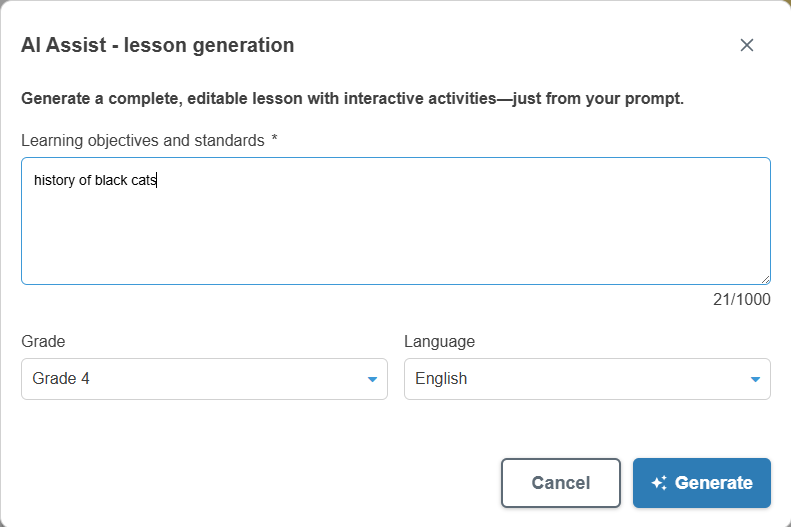
Select the grade level.
Select the preferred language of the lesson.
Click
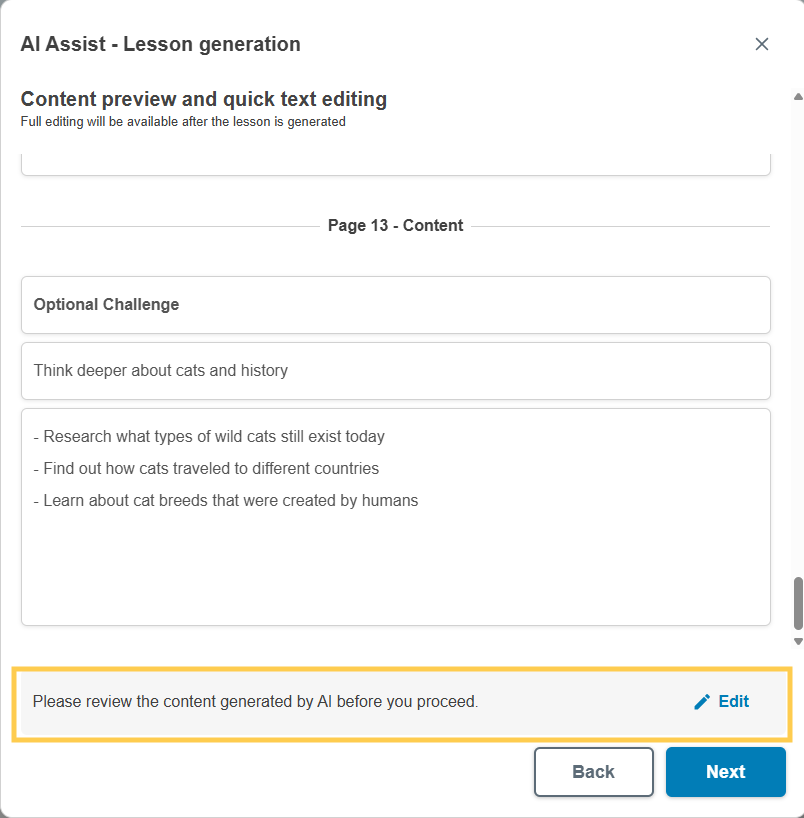
Generate. Lumio generates a preview of your lesson.Click Edit to make any initial changes to the content in the preview window.
Full editing will be available after the lesson is generated.
When you’re finished editing, click Save changes.
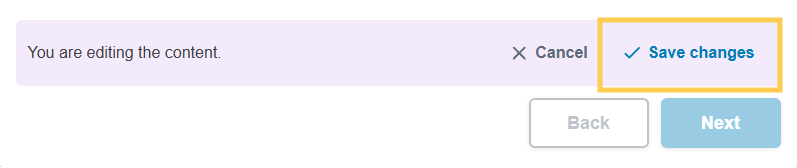
Click Next.
Notes
Click Back to edit the prompt and refine the lesson.
Each generation counts towards your daily limit.
Choose a lesson template. You can edit the template later.
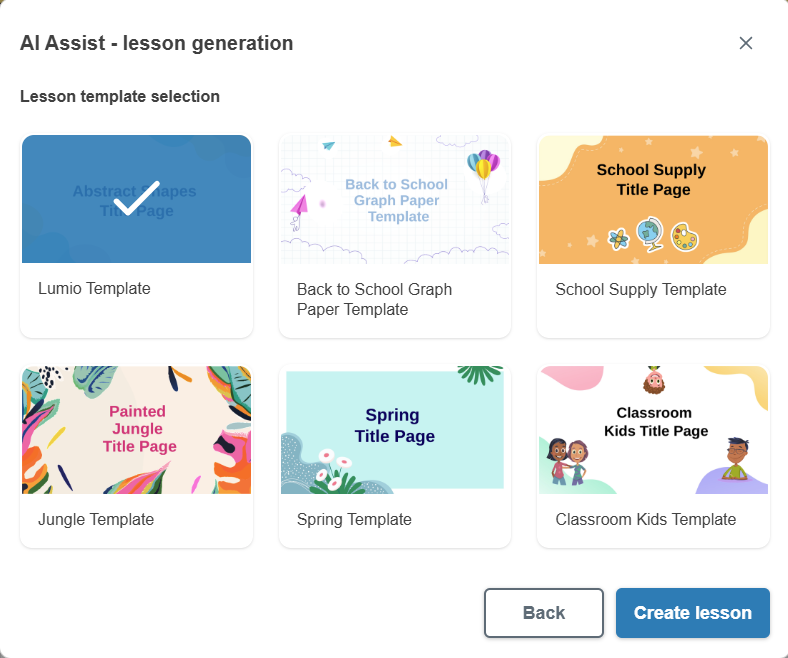
Click Create lesson to finish generating the lesson.
Note
It could take Lumio AI Assist up to a minute to finish.
The lesson opens in Editing mode where you can review and edit the lesson content as needed.
Click Finish editing after your have reviewed the lesson content.