Scanning to a display that you’ve connected to before in SMART InkScan
To send your scan to a display that your device recognizes
In the InkScan app, open your scan, tap Export
 , and then select Share to SMART Board.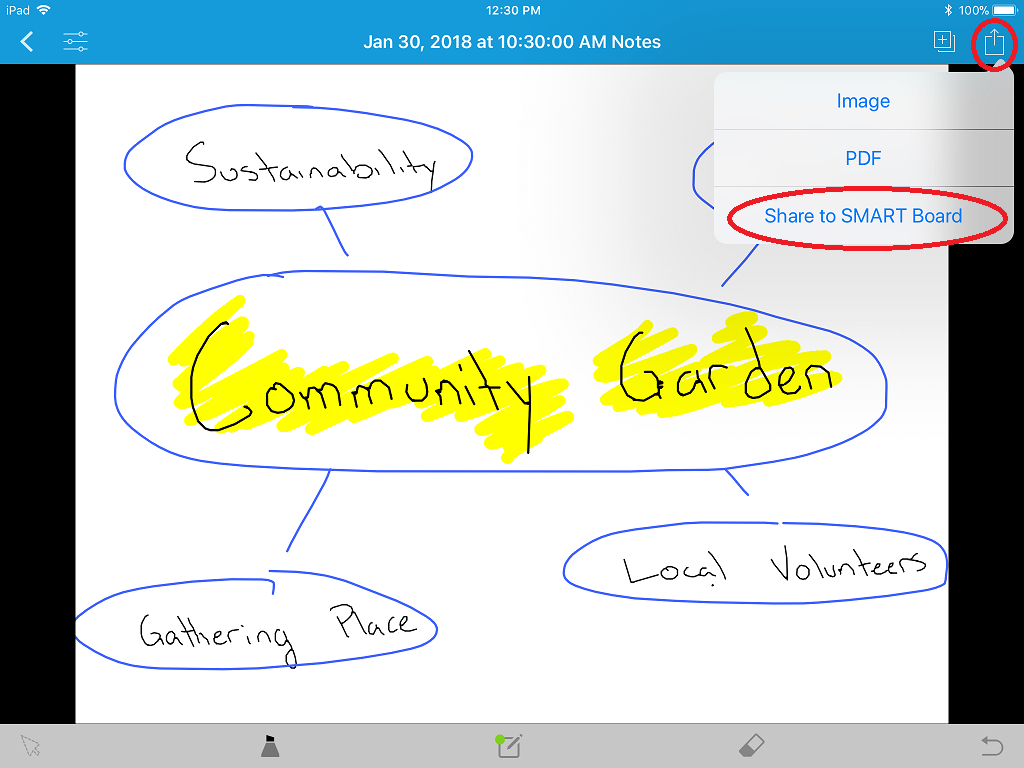
The sharing options appear with your board already identified:
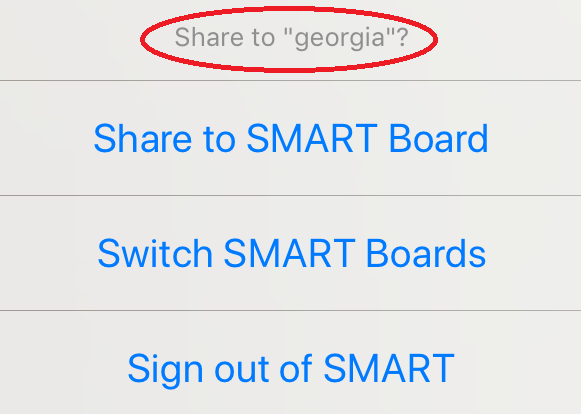
Select Share to SMART Board.
InkScan loads and then displays this message:
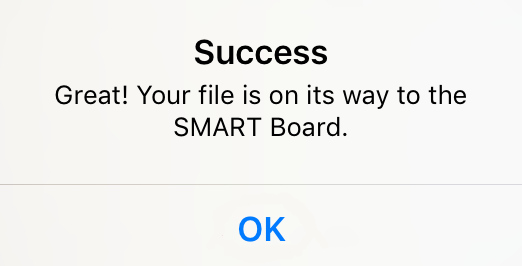
Tap OK.
At the display, tap the Home
 button and open the Player app
  .
.Your scan appears as the first thumbnail in the Player Library
 .
.Tap the thumbnail to open your scan and begin editing it at the display.
Concepts |
|
Related documents |