Changing your SMART Account email preference
Adults with SMART accounts can opt in to receive communications from SMART about upcoming events, special offers, or solutions. You can opt in or out at any time from your SMART Account settings page.
To change your email preference
Sign in to your SMART Account settings page at myaccount.smarttech.com.
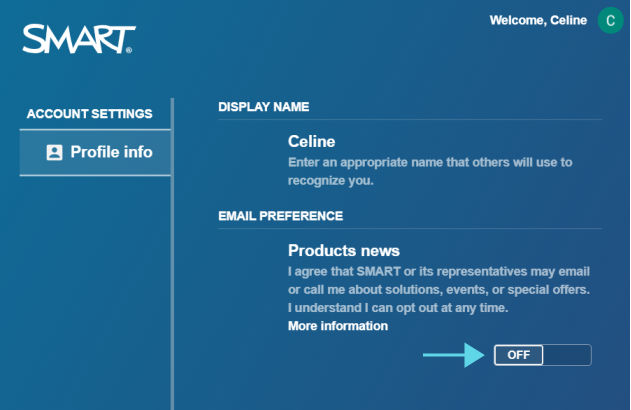
Use the Off/On switch under Email Preference to choose whether to receive SMART communications.
Keywords |
|