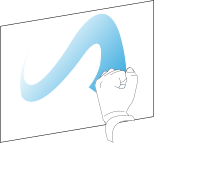
Using touch
You can do everything on the display that you can do at your computer—open and close applications, meet with others, create new documents or edit existing ones, visit websites, play and manipulate videos, and so on—by touching the display’s surface.
Pan (one finger)

Pan (two fingers) / scroll
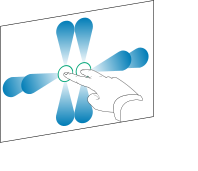
Pinch to zoom in / scale (enlarge)
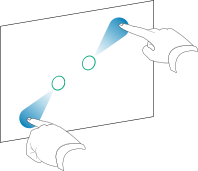
Pinch to zoom out / scale (reduce)

Rotate

Flick
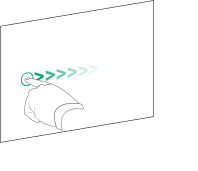
Erase with palm
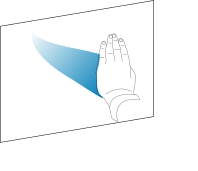
Erase with fist